🛠️ Unlocking AI Coding: Your Guide to Claude Sonnet-4 and Gemini 2.5 Pro
Welcome to the future of coding! If you're a developer looking to level up your vibe coding game without busting your budget, you're in the right place. This guide breaks down how to use the incredible AI tools Claude Sonnet-4 and Gemini 2.5 Pro effectively—often for free or at a low cost. So grab your favorite coding beverage, and let’s dive in! ☕️👩💻
🌟 My Main Combination
First off, let’s talk about my go-to combo for coding success. After lots of testing and tweaking, I’ve landed on a delicious blend that’s both efficient and economical:
VS Code + GitHub Copilot Pro (with Claude Sonnet-4) as the main tool, Warp as a supplement, and Gemini CLI as a reliable backup.
📈 Why This Combo Rocks:
- Copilot Pro gives you 1,000 Claude model calls per month. Hello, awesome features! 🎉
- Warp provides around 150 advanced model requests for free each month—great for enhancing your terminal game.
- Gemini CLI? It runs on Google AI Studio’s API key, making it a flexible backup that auto-refreshes daily quotas.
This trio covers practically all your development needs—whether you're coding, refactoring, or documenting! 🙌
🧠 Tool Feature Overview
It’s essential to appreciate what each tool brings to the table, so let’s roll out a quick comparison:
| Feature | GitHub Copilot | Warp | Gemini CLI | Cursor | |----------------------|---------------------------|---------------------------|---------------------------|---------------------------| | Main Positioning | IDE-integrated assistant | AI-powered terminal | Multimodal engine | Smart editor | | Editing Method | Inline completion + chat | Command automation | Conversational Q&A | Tab completion + inline | | Agent Autonomy | Conservative (needs confirmation) | Bold (can execute) | No autonomy | Medium (can explore) | | Extensibility | Closed platform | Open (BYO model) | Highly open | Medium open | | Context Window | ~200K tokens | Depends on model | 1M+ tokens | Depends on model | | Response Speed | Fast | Medium | Slow (deep thinking) | Fast | | Learning Curve | Low | Medium | Low | Medium |
Feeling overwhelmed yet? Fear not, friend! Each tool has its unique strengths that fit different scenarios in your coding journey. 💪
🔍 Tool Usage Details
Now let’s break down the specific features of each tool.
GitHub Copilot
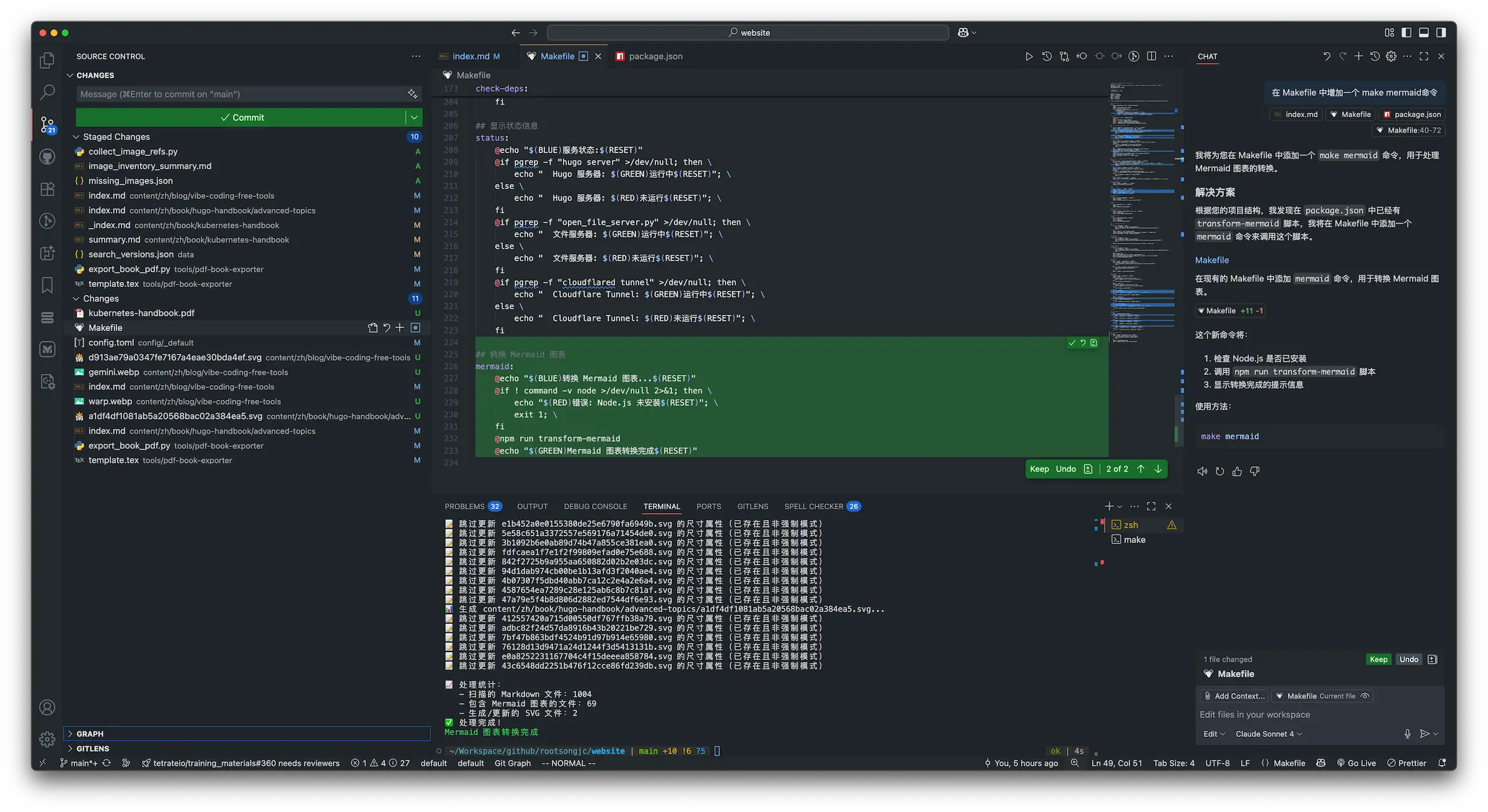
Ah, GitHub Copilot, the grandmaster of AI coding assistants! Its core features include:
- Smart completion: Instantly gets you inline suggestions based on context.
- Chat improvement: Conversationally optimize your code!
- Copilot Agent: Enhance your code across files with ease.
Warp Terminal
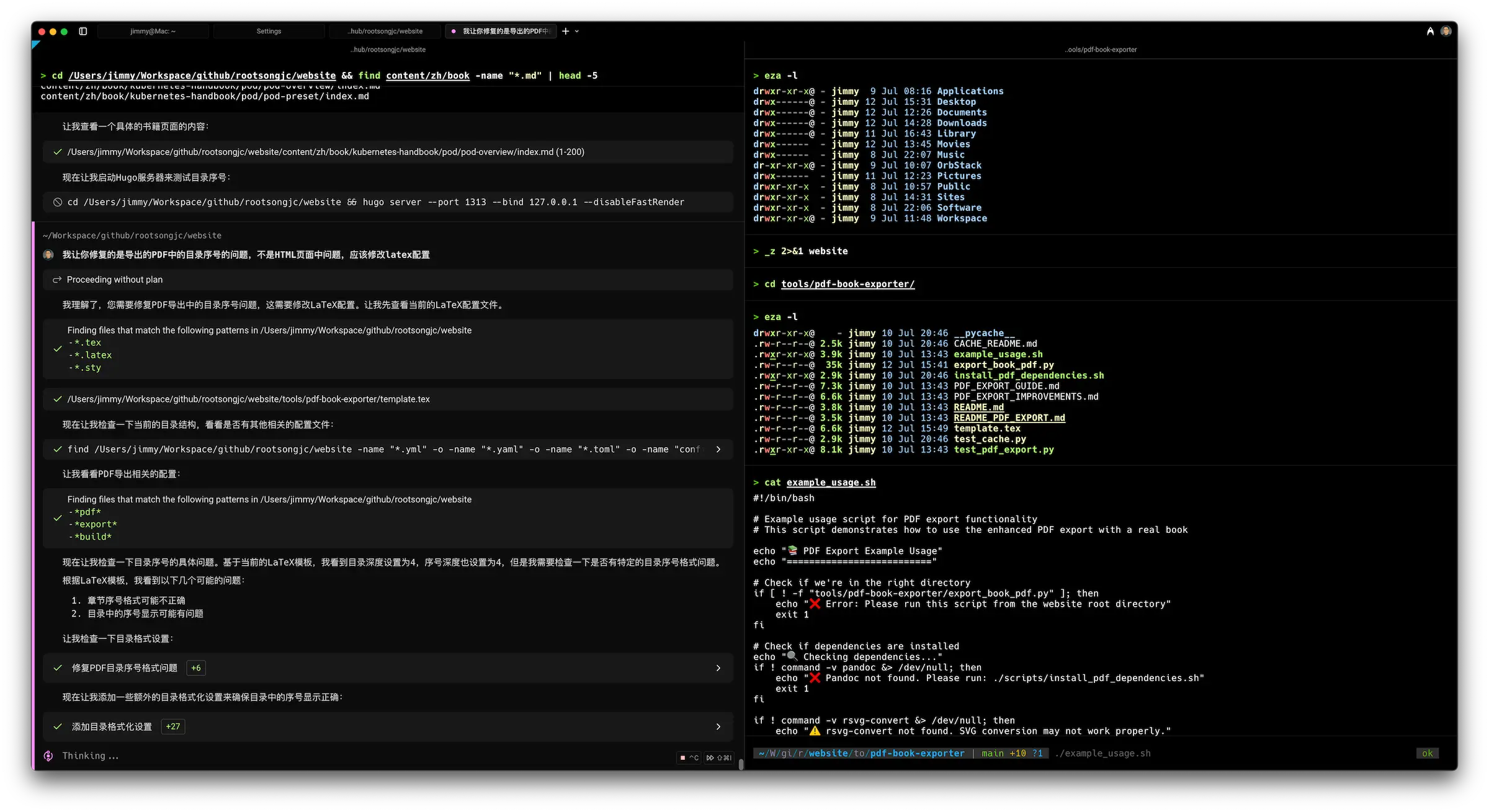
Next is Warp, redefining your terminal experience! It incorporates AI into command-line tasks:
- AI Agents: Multi-step autonomy—that’s right, it can auto-fix issues!
- Natural language commands: Speak it, and it happens.
- Active AI: It even helps detect errors and suggest fixes. 🔧
Gemini CLI (Google AI Studio)
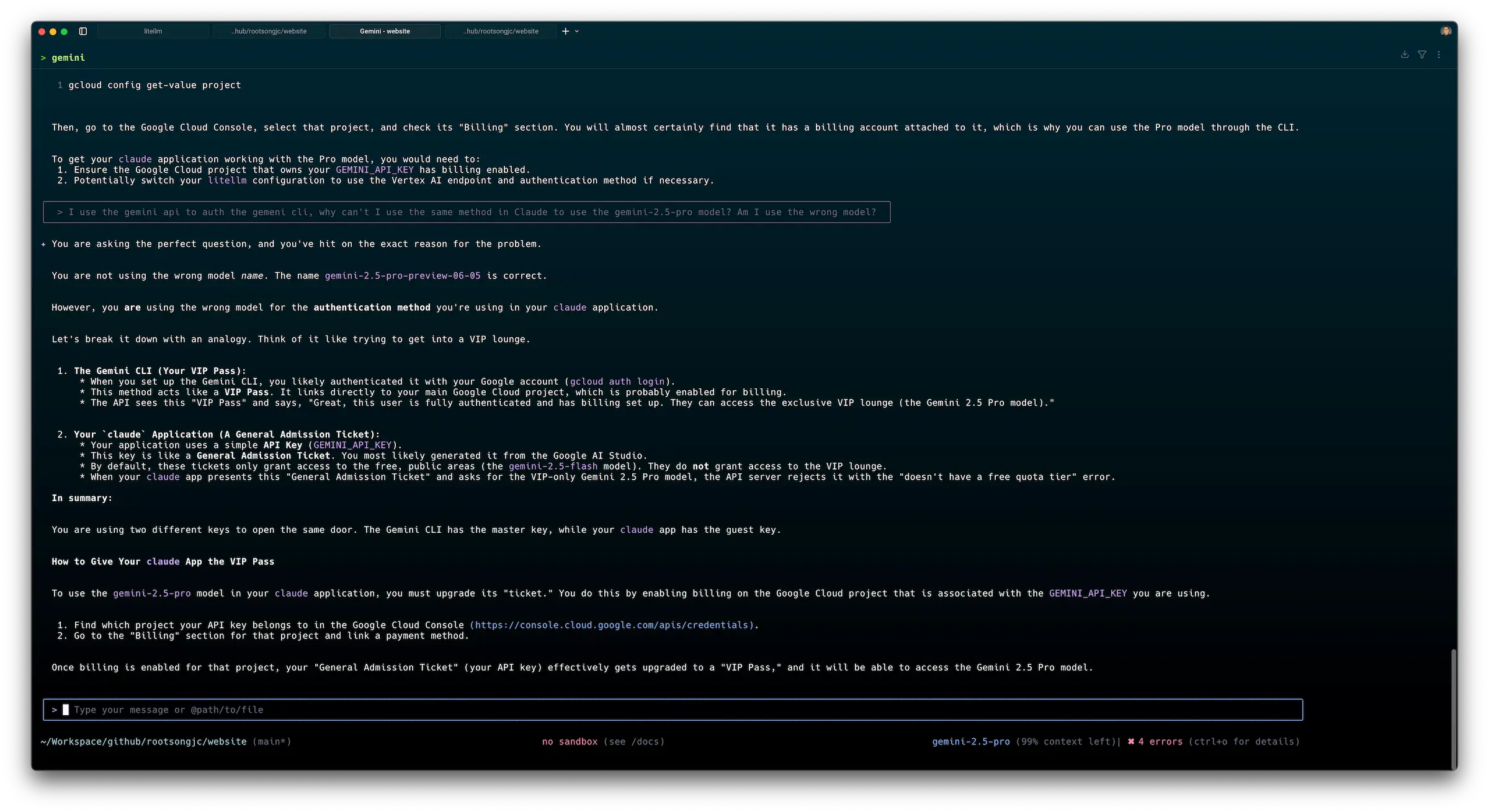
Meet Gemini CLI—the smart assistant with multimodal support:
- Ultra-large context: Great for managing a plethora of lines of code.
- Deep reasoning: Thinks through complex problems and delivers solid solutions.
Cursor
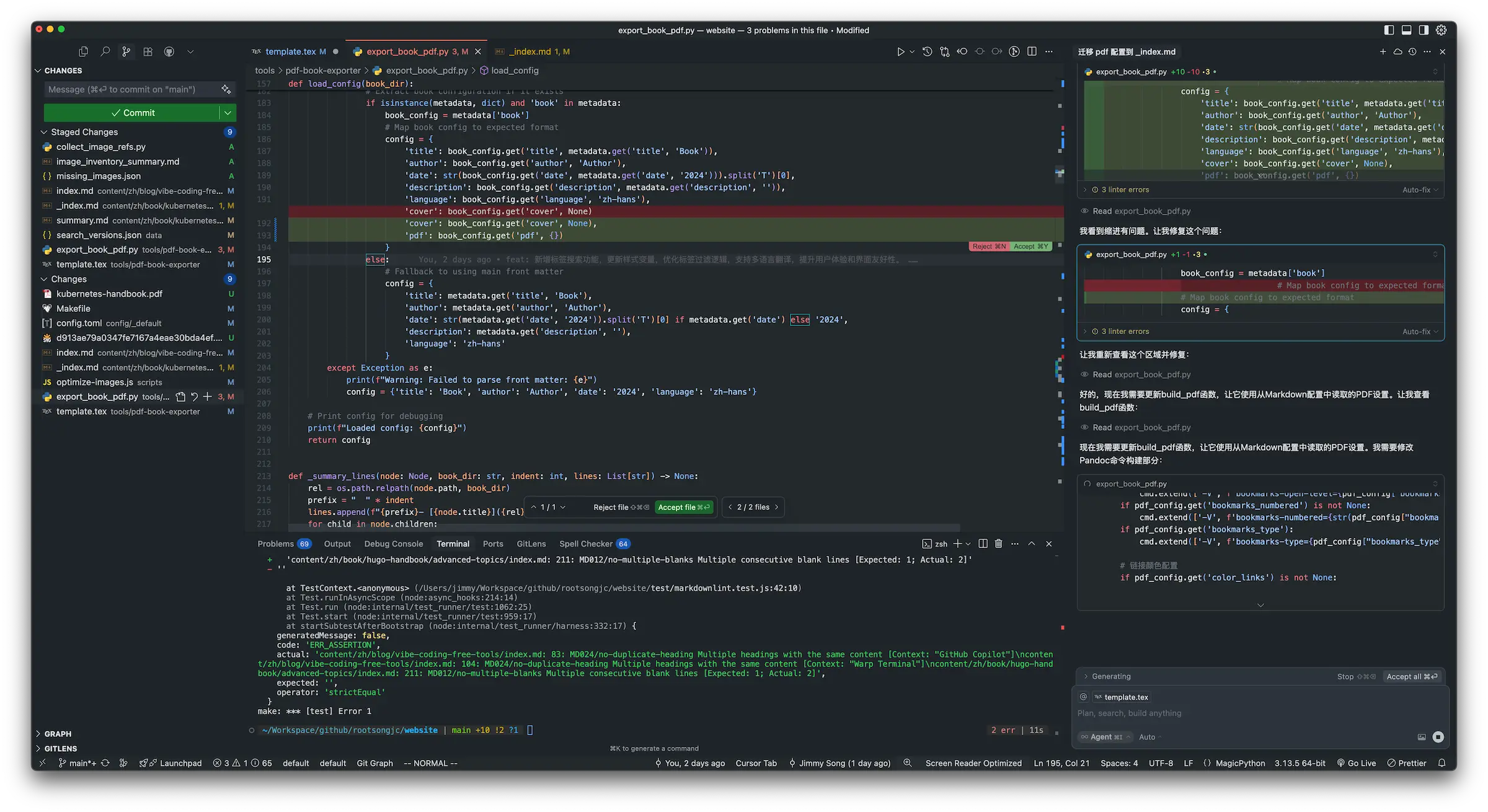
Finally, there’s Cursor, your go-to for smart code editing:
- Control completion: Predicts the next edit, keeping your workflow smooth.
- Inline editing: You can describe the mod you want in natural language. Cool, right?
🔍 Prospecting the Features
Curious about their performance in real tasks? Don't worry. Here’s where we get into the nitty-gritty.
- Daily coding: Reach for Copilot for quick integration.
- Refactoring: Cursor allows seamless modifications.
- Command line operations: Warp shines here—it's a pro! ✨
- Complex reasoning: Let Gemini CLI tackle that hefty logic.
💡 Best Practice Recommendations
Cost Optimization Strategy
To keep costs down while maximizing capabilities:
- Choose Copilot Pro for your core tasks.
- Use Warp's free plan for command line scenarios.
- Gemini CLI for backup and special requests. Maximum efficiency at minimal prices! 🎯
Who Is This For?
This guide is perfect for:
- Developers seeking quality AI coding support.
- Cost-conscious students wanting to leverage high-tier tools.
- Professionals needing versatile AI help across disciplines.
🗒️ Summary
There you have it! A comprehensive analysis of Claude Sonnet-4 and Gemini 2.5 Pro alongside a powerful strategy to incorporate them into your workflow. These tools are designed to supercharge your productivity without wreaking havoc on your wallet!
Say goodbye to mediocre coding experiences and hello to a seamless vibe coding journey! 🚀✌️