🛠️ The Best AI Coding Assistant Tools List by Category
AI for coding, also known as AI-assisted software development, means leveraging artificial intelligence—especially large language models (LLMs)—to assist developers throughout the software lifecycle. From writing new code to checking pull requests, generating test cases, or fixing bugs—AI has become essential in the coding toolkit.
In this dynamic landscape, navigating the myriad tools emerging each week can be tricky. Fear not, friend! I’ve curated a list of AI coding assistants that I've personally tried and tested, bringing clarity to your coding journey.
📜 AI-Powered Development Assistants:
🔍 Code Intelligence & Completion:
🛡️ Security & Analysis:
🌍 Cross-Language & Translation:
📚 Educational & Learning Tools:
🧠 How I Selected the Best AI Coding Tools in this List
As a developer, identifying the right AI coding tools can be overwhelming. To solve this, I've considered several factors for each tool:
- Syntax and Language Complexity: The ease of handling complex language syntax.
- Debugging and Error Resolution: Efficiency in identifying and rectifying bugs.
- Code Efficiency and Optimization: Support for clean and efficient coding practices.
- Integration and Compatibility: Ease of integration with APIs or libraries.
- Scalability and Maintainability: Recommendations for managing and scaling codebases.
- Collaboration and Version Control: The ability to work seamlessly with team members.
- Deadline Management: Tools to automate repetitive tasks to meet tight deadlines.
- Adaptability: Responsiveness to the ever-evolving tech landscape.
- Documentation: Features that enhance code documentation.
- Security: Tools that ensure coding practices thwart vulnerabilities.
With these in mind, let's dive into the list of the top 20 AI coding assistants for 2025!
⭐ 20 Best AI Coding Assistants – 2025 List
1. Qodo

Qodo stands out with its impressive test case generation capabilities. Let’s break down its pros and cons:
-
Pros:
- Precise Code Suggestions: Tailors suggestions to enhance code quality.
- Code Explanations: Breaks down code for better comprehension.
- Automated Test Generation: Saves time in creating reliable unit tests.
- Collaboration Features: Git integration for team workflows.
-
Cons:
- Premium Features: Advanced features require a subscription, which might be a barrier for smaller teams.
2. GitHub Copilot
GitHub Copilot is the go-to for many developers due to its smart autocomplete and natural language processing capabilities.
-
Pros:
- Contextual Code Completion and chat functionality enhance productivity.
- Integrated with Popular IDEs like VS Code and JetBrains.
-
Cons:
- Some Paid Features: Enhanced collaborative tools are limited to paid plans.
3. Tabnine

Tabnine takes intelligent code completions to a new level, transforming your coding experience with powerful refactoring tools.
- Pros:
- Automatic Code Documentation and linting features keep your code clean.
- Cons:
- Limited Free Version Features.
4. Codeium
Codeium excels in providing autocomplete and function generation across more than 70 languages.
- Pros:
- Instant Code Suggestions streamline the development process.
- Cons:
- Limited Advanced Features in Free Version can be restrictive.
5. Amazon CodeWhisperer
This tool brings immediate code suggestions and handles security scanning effectively.
- Pros:
- Automates Documentation Generation and scans for vulnerabilities.
- Cons:
- Some Features Require a Paid Version.
6. AskCodi

A multi-tasking assistant, perfect for code suggestions and answering programming questions.
- Pros:
- Versatile Code Generation across various languages.
- Cons:
- Questions Structure: Can lead to inaccurate or incomplete results.
7. Codiga

A powerful AI code assistant that combines static analysis with intelligent suggestions.
- Pros:
- Automated Code Review catches potential issues early.
- Cons:
- Limited Language Compatibility may restrict some users.
8. Replit

An interactive coding platform that enhances your learning experience.
- Pros:
- Real-Time Code Suggestions enhance user experience.
- Cons:
- Requires Internet Connection to function optimally.
9. CodeT5
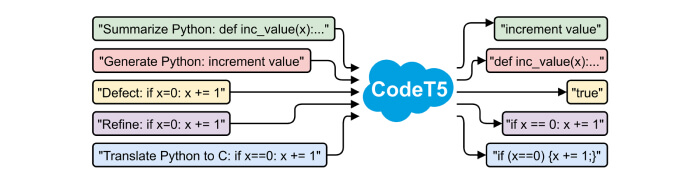
Perfect for academics and professionals needing translation between human language and code.
- Pros:
- Code-to-Code Translation simplifies migrations.
- Cons:
- Limited Accessibility compared to other tools.
10. OpenAI Codex

This AI model translates natural language prompts into code, making it user-friendly for developers.
- Pros:
- Interactive Natural Language Prompting allows intuitive interactions.
- Cons:
- Costly for Persistent Usage.
11. Sourcegraph Cody

Excellent for fast code generation and understanding codebases.
- Pros:
- Contextual Understanding via analysis of existing code repositories.
- Cons:
- Limited Language Support hinders broader usage.
12. DeepCode AI

A security-focused tool that assists with vulnerabilities in code bases.
- Pros:
- Hybrid AI Models for accurately fixing code.
- Cons:
- Restricted Language Compatibility affects usability.
13. Figstack

Useful for translating code and offering explanations in natural language.
- Pros:
- Time Complexity Analysis helps optimize code.
- Cons:
- Requires Internet Connection for Full Use.
14. Intellicode

Intuitive autocompletion tool that thrives within Microsoft environments.
- Pros:
- Real-World Example Suggestions enhance learning.
- Cons:
- Performance Issues when handling large projects.
15. CodeGeeX

An AI-driven tool focused on generative capabilities and simplifying coding tasks.
- Pros:
- Automated Comment Generation improves clarity.
- Cons:
- Advanced Features Hidden Behind Paid Plans.
16. Cline
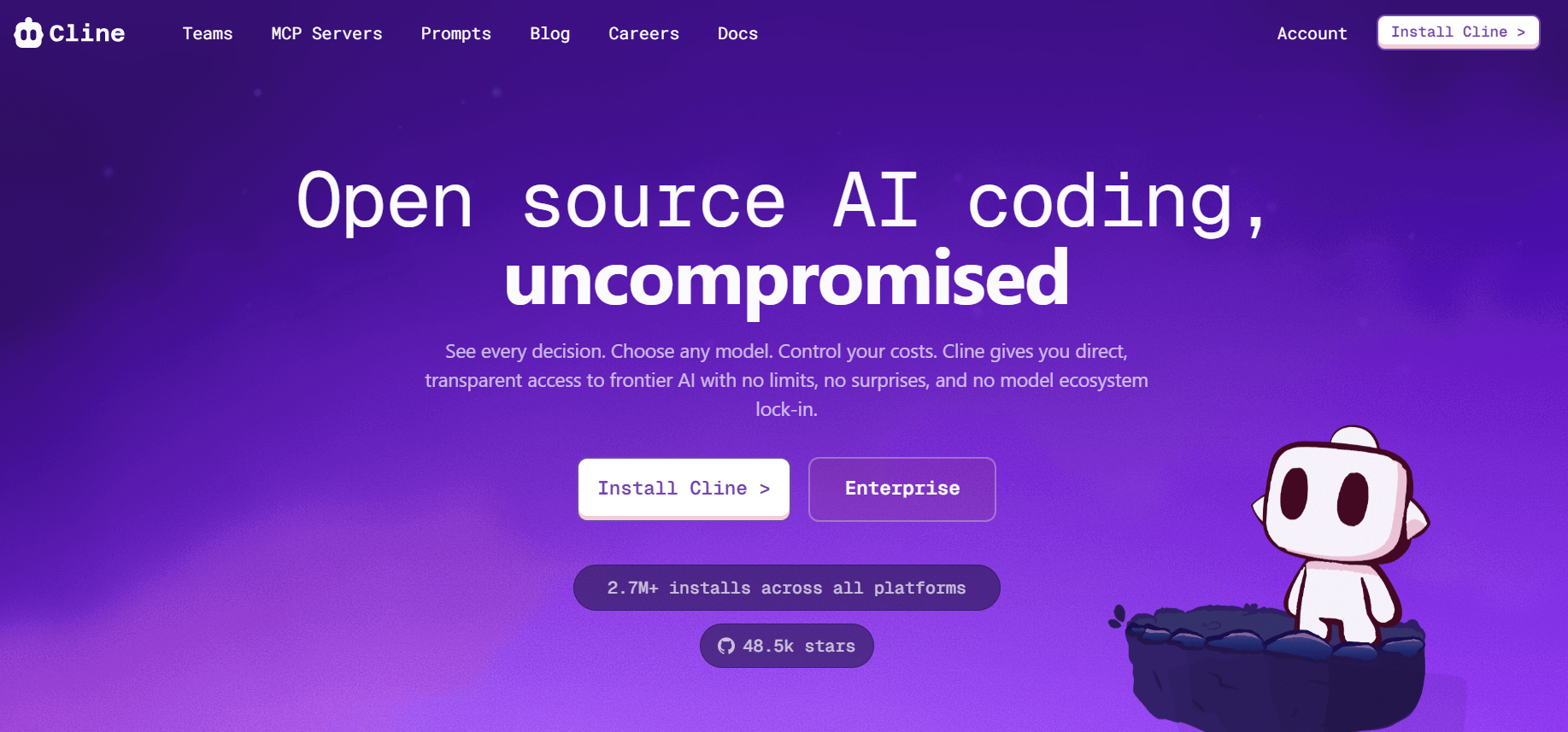
A local-first coding agent that prioritizes user control in development workflows.
- Pros:
- Plan & Act Workflow promotes transparency.
- Cons:
- Manual Setup Required may hinder basic users.
17. Augment Code
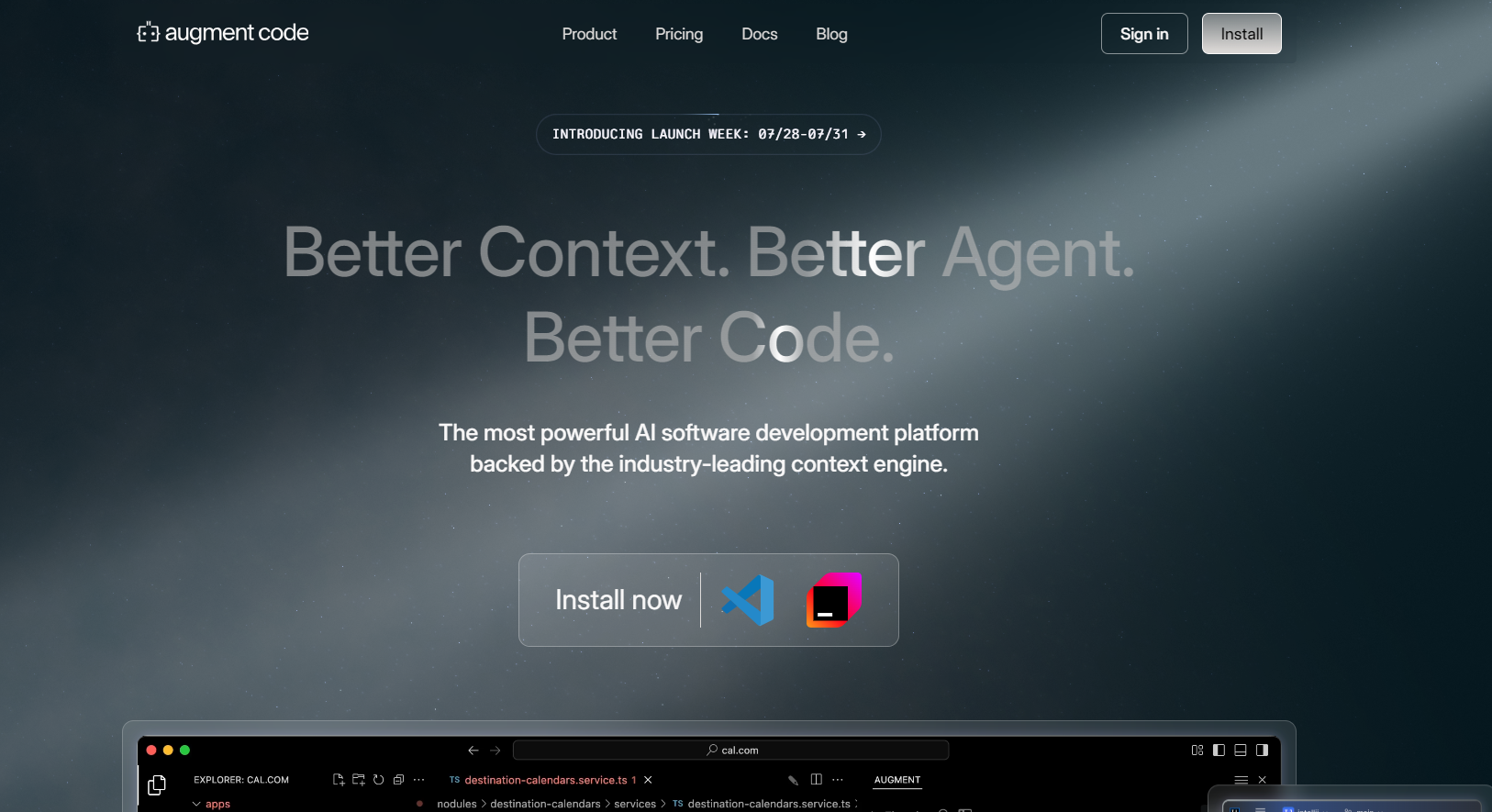
Great for deeply indexing code to power suggestions and task-driven automation.
- Pros:
- Rich Editor Integrations improve efficiency.
- Cons:
- Setup Complexity can be intimidating for some users.
18. Gemini CLI
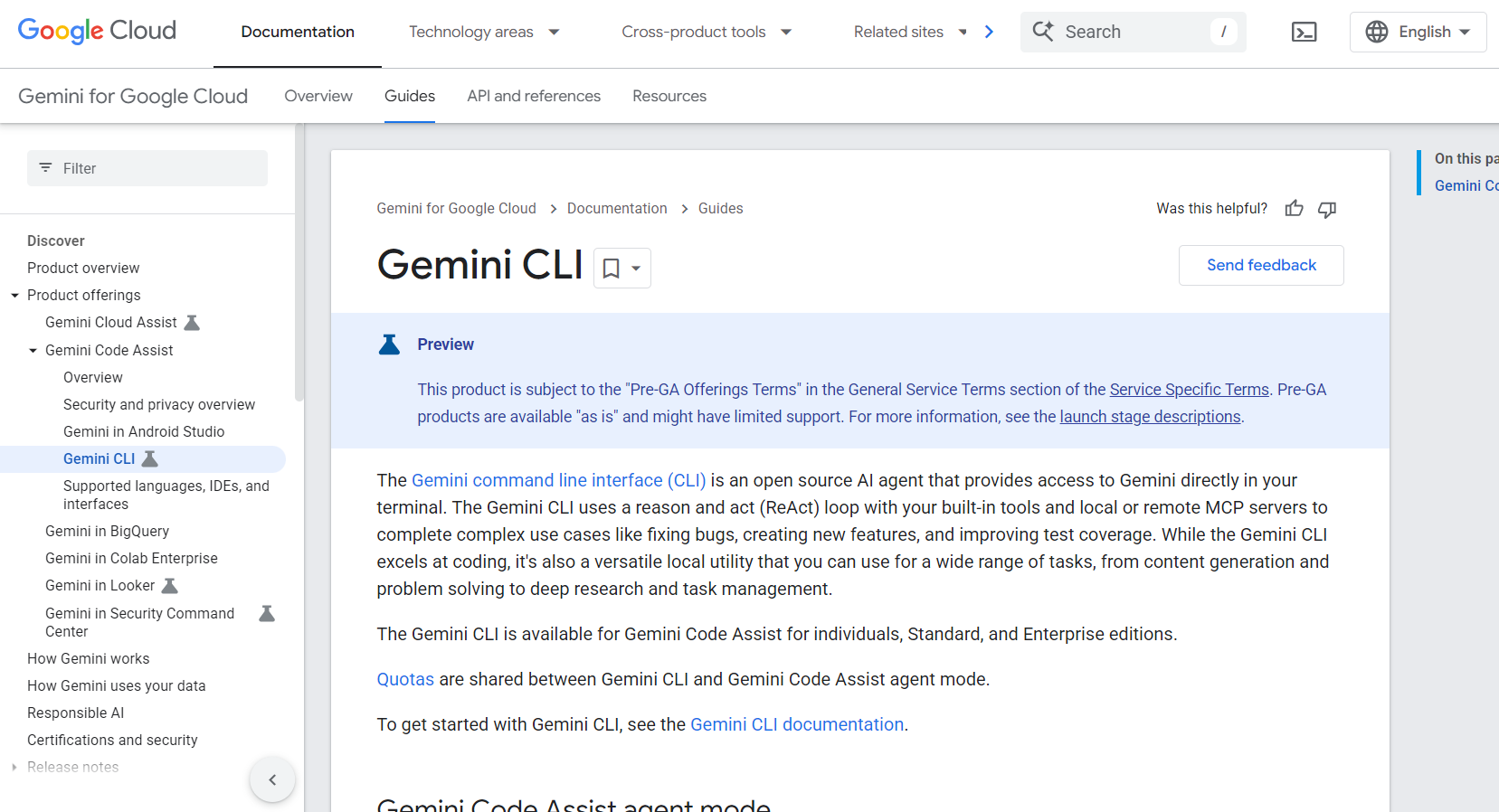
Google’s open-source AI agent for terminal workflows that deeply understands codebases.
- Pros:
- Generous Free Quota includes ample requests for personal use.
- Cons:
- Mixed User Experience can lead to inconsistencies.
19. Lovable
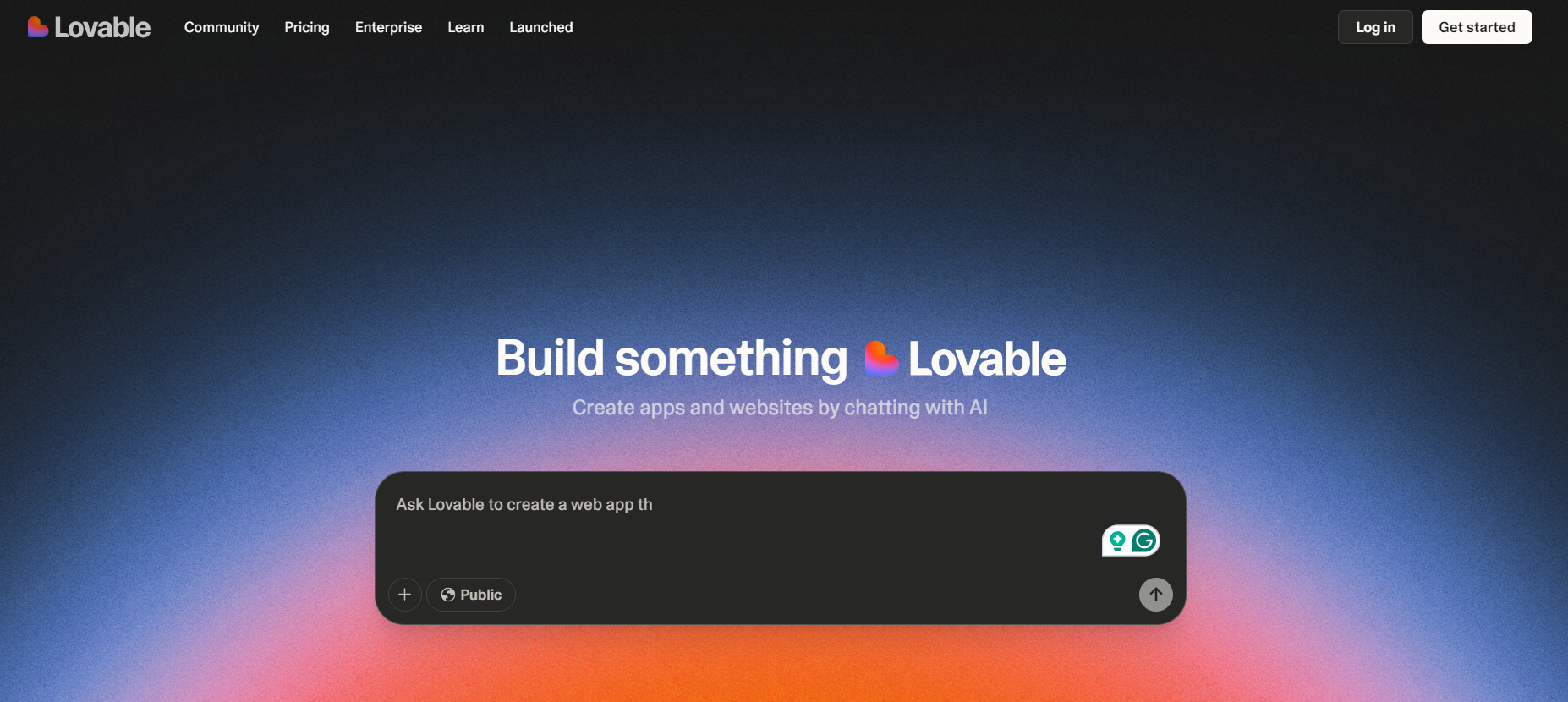
Browser-native AI app builder that automates full-stack applications from plain English.
- Pros:
- End-to-End Prompt-Based Generation that accelerates development.
- Cons:
- Token Burn During Debugging can hurt usage.
20. CodeGPT
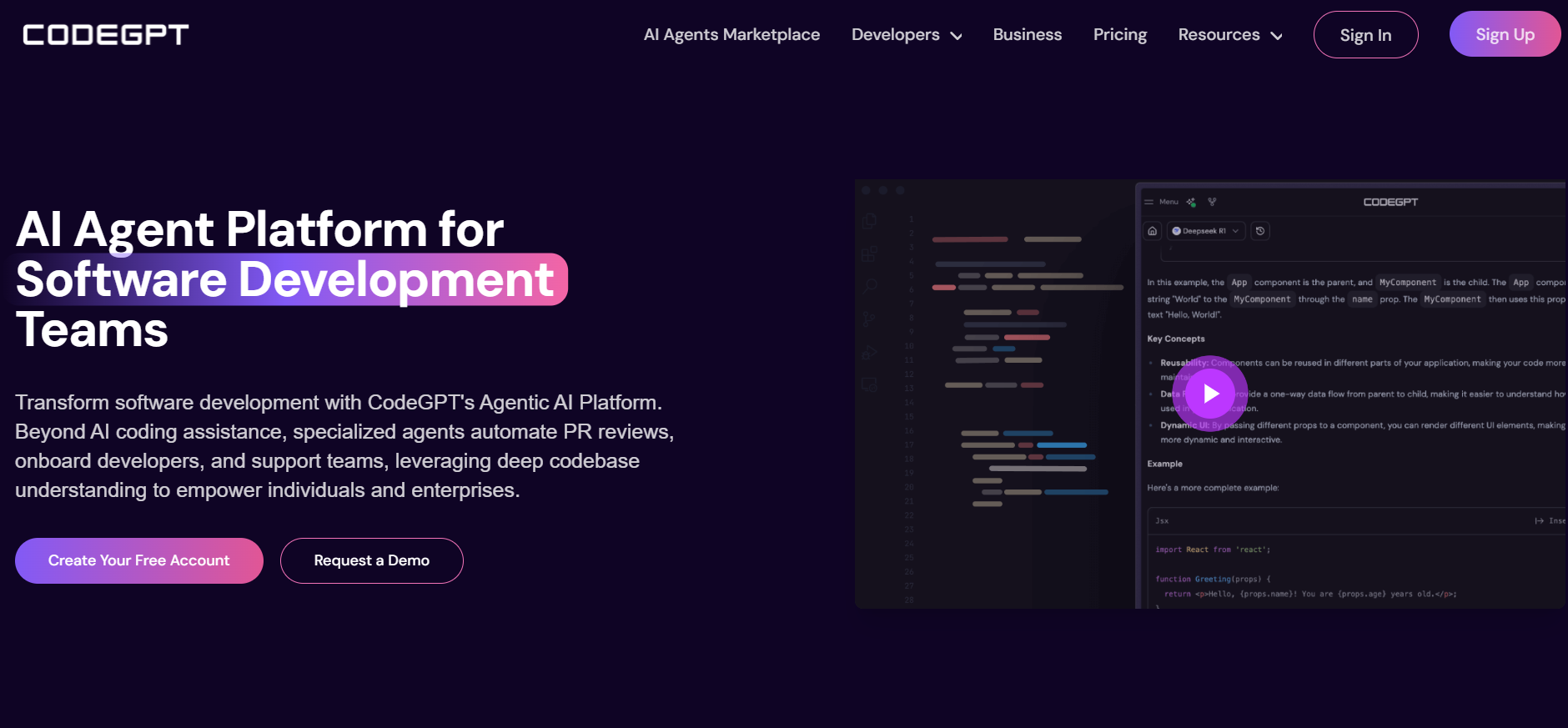
An IDE-integrated coding agent platform designed to assist with repository-wide context and customizable tasks.
- Pros:
- Privacy-Friendly Local Execution caters to sensitive projects.
- Cons:
- Initial Setup Overhead can deter casual developers.
📝 Summary
In my experience, these AI coding assistants are game-changers for boosting productivity. They offer entire toolkits that streamline code suggestions, testing, and quality assurance. Whether you’re writing new code or reviewing submissions, these tools are designed to make your life easier while ensuring your code is top-notch!
| Tool | Pricing | Key Features | |:---------|:-----------|:-----------------| | Qodo | Free; $19/user/month | Code suggestions, automated tests, collaboration tools. | | GitHub Copilot | Free; $4/user/month | Smart code completion, chat integration. | | Tabnine | Free; Pro $9/month | Code completion, refactoring assistance. | | Codeium | Free | AI-driven auto-completion for 70+ languages. | | Amazon CodeWhisperer | Free; Pro $19/month | Security scanning, tailored code suggestions. | | AskCodi | $14.99/month | Code generation, IDE integration. | | Codiga | Free; From $14/month | Static analysis, code reviews. | | Replit | Free; $7-$20/month | Real-time suggestions and learning environment. | | CodeT5 | Free | Natural language and code translations. | | OpenAI Codex | Based on API usage | Advanced code generation and natural language processing. | | Sourcegraph Cody | Free; From $9/month | Custom prompts and quick unit tests. | | DeepCode AI | Free; $25/month | AI-driven vulnerability scanning. | | Figstack | Free | Code explanation and time complexity analysis. | | IntelliCode | Free | Intelligent autocompletions, context-aware suggestions. | | CodeGeeX | Free version available | Code translation and chatbot features. | | Cline | Free, costs may vary | Local-first automation for VS Code. | | Augment Code | Free trial; Paid tiers | Context-aware code and task management. | | Gemini CLI | Free, advanced tiers via Google Cloud | Terminal integration, extensive request quota. | | Lovable | Free tier with paid plans | Full-stack app generation from plain-text specs. | | CodeGPT | Free; Plus/Pro for advanced features | Multi-model support, customizable agents. |
❓ Conclusion
As AI technology continues to advance, the integration of AI coding assistants is likely to grow, fundamentally transforming software development as we know it. By harnessing the power of these tools, developers can not only tackle coding challenges more effectively but also enhance their coding skills and produce higher-quality software in an ever-evolving digital landscape.
❓ FAQs
What is an AI coding assistant?
AI coding assistants are sophisticated software tools that utilize the power of AI, such as large language models (LLMs), to assist developers throughout their coding journey by providing suggestions, fixing errors, and facilitating better coding practices.
What is the best AI tool for generating code?
The best tool depends on your specific needs, but features like intelligent code completion, debugging assistance, test generation, and more make a significant difference. We encourage you to check out Qodo!
Is there a free AI coding assistant?
Absolutely! Many tools offer free versions, including Qodo, which allows developers to access a wide range of AI-powered coding features.
Who can benefit from AI coding assistant tools?
AI coding assistants can assist diverse users, from seasoned professionals looking to streamline their workflows to beginners learning the ropes of coding.
What are common use cases for coding assistant tools?
Common use cases include code completion, refactoring, test case generation, documentation, and debugging assistance.
How do you generate code using AI?
To generate code, choose an AI-driven platform, input a natural language description of the code needed, and integrate the suggestions provided back into your project. Always ensure you validate any AI-generated code.